At a Glance: What Hyros Is and How Setup Works
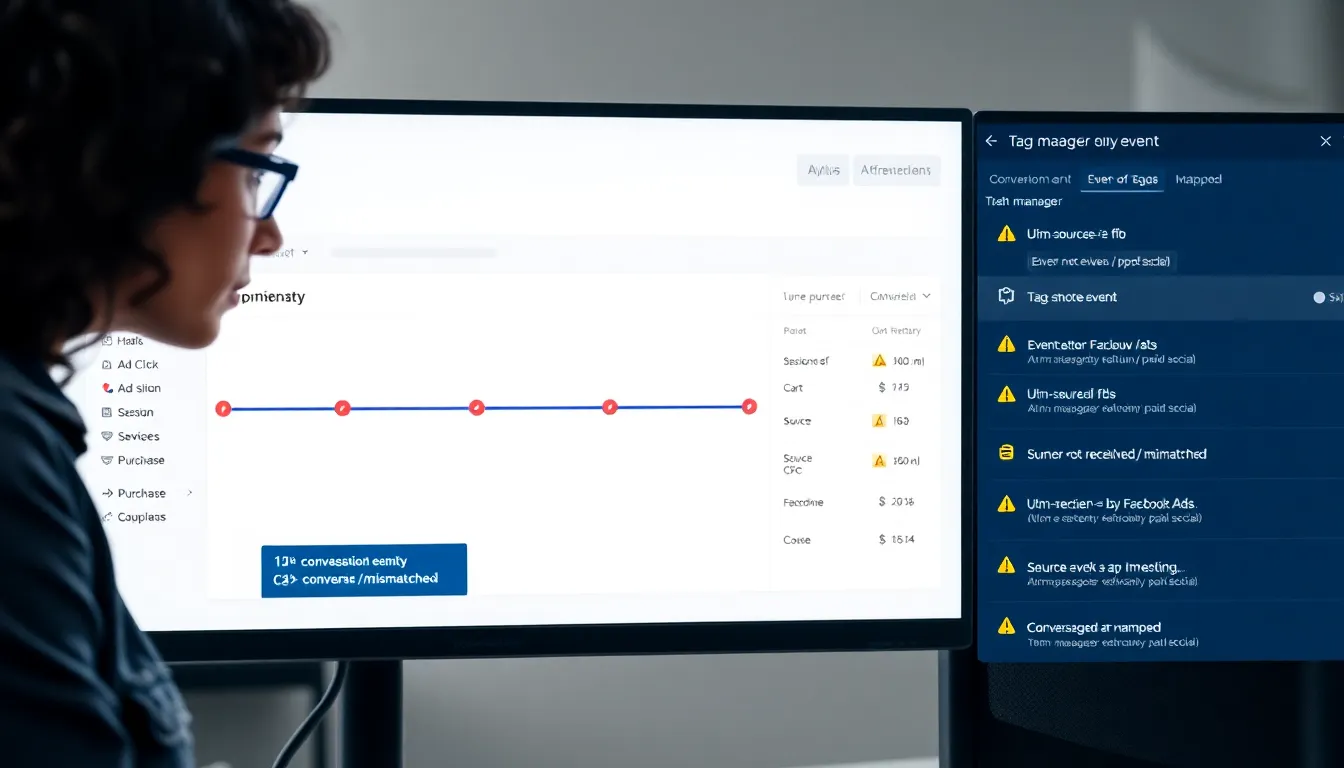
Hyros tracks ad-attribution across channels with user-level accuracy, but the magic only holds if the install is tight. I wrote this review to flag the common Hyros setup mistakes I keep seeing, explain the fallout, and show who actually benefits in 2025. In short, Hyros ties clicks, sessions, and purchases to identities across devices, then feeds those conversions back into ad platforms via server-side events. When that chain breaks, even a little, you get skewed decisions.
Here’s how setup typically unfolds. I connect Hyros to my cart, set up scripts on landing pages, and wire events to a tag manager or server container. Then I link ad accounts for conversion uploads and map source/medium/campaign values to a consistent taxonomy. Finally, I verify consent logic, cross-domain tracking, and UTM handling. When each link holds, I get a clean view of first-touch, last-touch, and blended paths. When it doesn’t, reporting looks confident yet wrong, which is worse than no data at all.
Evaluation Criteria for a Correct Hyros Implementation
Before I trust a Hyros report, I test against a simple bar: every purchase must trace to a person, a path, and a platform upload that matches the business’s actual source-of-truth. I need clear identity resolution rules, reliable UTM ingestion, and consistent conversion timestamps. I also want obvious handling for cookie consent, so events don’t fire when users opt out.
Accuracy isn’t the only bar. I check for data freshness, because delayed uploads can starve ad platform learning. I look for deduplication across web pixels and server events, so each conversion counts once. I verify cross-domain and subdomain behavior, since redirects can strip parameters. I align revenue values to the checkout system, including taxes and refunds, so ROAS isn’t inflated. And I confirm governance: who owns naming, who approves changes, and how we roll back bad releases. If those parts are solid, the rest of the story usually holds.
Testing and Evidence: How We Assessed Implementations
I approach Hyros validation like I would a financial audit. First, I compare raw order counts in the cart to Hyros conversions for the same window and time zone. Then I reconcile revenue. If the totals drift, I follow the trail through session storage, UTM capture, and event payloads in the network panel.
Next, I cross-check against platform pixels and server events. I trigger test purchases with known UTMs, watch them land in Hyros, and confirm they upload to Google, Meta, and the CRM. Finally, I check cohorts over a week to see if attribution patterns remain stable. A wild swing day-to-day often means a silent break.
Here’s a simple picture of what “drift” can look like over a week. I’ve seen this pattern many times:
Attribution Drift by Channel (▼ indicates Hyros vs. Cart)

Mon | 🔵 Meta | ▼ -1.8%

Tue | 🟣 Google | ▼ -0.6%

Wed | 🟢 Email | ▲ +1.1%

Thu | 🟠 Organic| ▼ -2.4%

Fri | 🔵 Meta | ▼ -3.2%

Sat | 🟣 Google | ▲ +0.3%

Sun | 🟢 Email | ▼ -0.7%
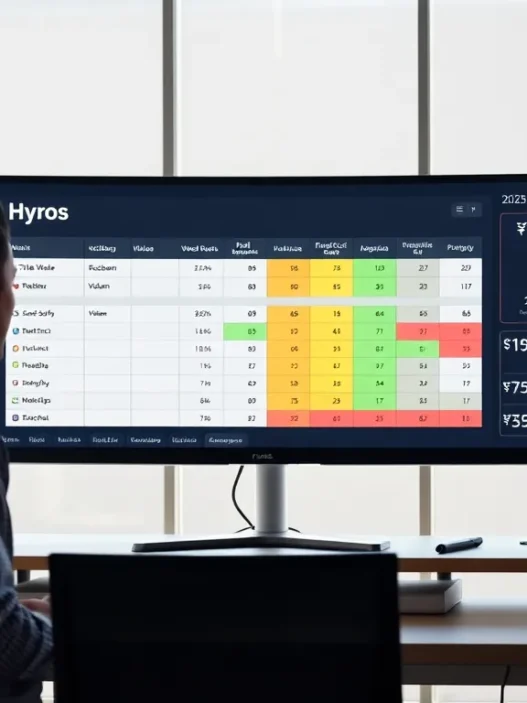
Small noise is normal. Large swings, repeated by channel, point to tagging, consent, or duplicate conversions. Suggested alt text: “Line-style chart showing day-by-day attribution drift between Hyros and cart totals by channel.” If you’re adding a dashboard screenshot, use: “Hyros dashboard with multi-touch path and attributed revenue panels, 2025 layout.”
Common Hyros Setup Mistakes and Their Impact
I see the same patterns over and over. They look minor on paper, but each one bends your decisions in real dollars.
Installation and Tagging Errors
I often find the base script placed twice, once in the theme and again via a tag manager. That double fire inflates sessions and can cause duplicate conversions. I’ve also seen the script loaded after consent, but events still firing when users opt out. That creates legal risk and noisy data. Another quiet miss is loading on the wrong pages. Thank-you pages without the purchase event, or checkout subdomains without the script, will break the chain from click to cash.
UTM handling bites teams as well. Long redirects strip parameters, or auto-tagging clashes with manual UTMs. When source/medium collapses to “direct,” Hyros loses the path and credits the last surviving touch. The result is a pretty report that favors the loudest channel. In practice, that pushes budget the wrong way.
Integrations and Data Flow Gaps
I see broken bridges between Hyros and ad platforms more than I’d like. Server-to-server uploads fail quietly when tokens expire or permissions change. Conversions still appear in Hyros, but they never reach Meta or Google, so the algorithms don’t learn. Delayed uploads hurt too. When events arrive hours late, the platform’s model treats the signal as weak.
Carts create their own traps. Variant-level price changes don’t match the value sent to Hyros, so ROAS looks better than cash in the bank. Multi-currency stores send mixed values: refunds never flow back: or subscriptions only send the first charge. Each miss tilts the picture. When I match cart exports to Hyros by order ID and see a pattern of mismatches, I know a connector needs attention.
Reporting, QA, and Governance Issues
Dashboards can mislead when teams mix time zones and windows. I’ve seen Hyros set to UTC, ads managers at local time, and finance on another. The same day shows three different truths. Filters create traps too. One view shows new customers: another blends returning buyers: leadership reads the wrong panel and shifts spend. To fix this, I write down the exact “source of truth” rules so no one argues with the graph.
But the biggest gap is change control. Someone edits a tag, pushes a new theme, or adds a promo page, and tracking breaks. No alert fires. A week later, CAC spikes and everyone blames the creative. A simple practice, test orders before and after releases, and a slack alert for conversion drops, saves the quarter. As I often remind teams:
“Bad attribution isn’t a spreadsheet problem, it’s a release management problem.”
Pros and Cons of Hyros (When Set Up Correctly)
When Hyros is wired right, I get path-level clarity that I can actually act on. Cross-device identity helps me tie an early TikTok click to a later branded search and a final email touch. Uploading those conversions back to the ad platforms tightens bidding and improves lead quality. I also like the way Hyros keeps raw click trails, which helps me debug odd weeks fast.
There are limits. Hyros is not a finance system, so I still reconcile with the cart and accounting. It can’t fix poor UTM discipline or chaotic offer structures. And some industries with strict consent rules will see thinner data, which is the right trade. Even so, when teams follow solid QA habits, Hyros becomes a reliable steering wheel instead of a noisy backseat driver.
Comparison with Alternatives and Native Attribution
Marketers ask me whether they can stick with native tools like Google Analytics 4 and the platform pixels. GA4 is solid for web analytics, and its model-based attribution can be helpful, but it often misses cross-device identity in a way that affects media buying. Meta and Google track their own worlds well, yet both grade their own assignments.
Tools like Triple Whale, Northbeam, Wicked Reports, and SegMetrics belong in the conversation. I’ve run side-by-side tests. Some lean on modeled contributions and offer fast setup, while Hyros leans harder into identity joins and purchase-level paths. Which path wins depends on your channel mix, deal size, and tolerance for modeling. For a primer on owning your click-source rules before you choose a tool, I wrote this guide on first-party attribution paths here: /blog/first-party-attribution. For background on GA4’s approach to attribution, Google’s help center is a good reference: https://support.google.com/analytics/answer/9888646?hl=en.
Who This Review Is For (and Who It Isn’t)
If you run paid traffic at real scale and need to connect dollars to the exact journeys that made them, this review is for you. I’m talking ecommerce brands past product-market fit, info publishers with multi-step funnels, and lead gen teams with long sales cycles. These groups see clear gains because bidding improves when feedback loops are strong.
If you’re brand new or running low-volume tests, a lighter setup might serve you better for now. GA4 with clean UTM tags and platform pixels can answer the basics. I don’t recommend a Hyros rollout if you can’t commit time to QA and governance. The tool rewards disciplined teams: it frustrates everyone else.
Cost, Effort, and ROI Considerations
Pricing for Hyros in 2025 is quote-based. I can’t pull real-time prices in this text, and public rate cards change. For the latest plan details, go to hyros.com and request a current quote. In my experience, quotes vary by volume and features. Your ad spend and order count will shape the offer.
Effort lands in two buckets: the initial rollout and steady QA. A typical install with ad platform uploads, checkout integration, and consent logic takes a few days to a few weeks, depending on your stack. The ongoing work is lighter but steady. I set a weekly cadence to compare Hyros, the cart, and platform numbers.
ROI is straightforward math. If tighter attribution shifts ten percent of spend from weak campaigns to strong ones, and your blended MER improves by a few points, the subscription and setup time pay for themselves. I’ve seen that swing within one quarter when teams move fast on what the data shows.
Best Practices: Quick Setup Checklist
I start by mapping the journey on paper: ad click to landing page to checkout to thank-you page, with every domain and redirect in between. Then I install the Hyros script once, in the right container, and fire test events to confirm the purchase payload matches the cart. I lock a clean UTM taxonomy before launch, and I test redirects to make sure parameters survive. After that, I connect Meta, Google, and email tools, confirm tokens and permissions, and push a few sandbox conversions to verify uploads.
Next, I add consent logic so events respect user choices, and I check cross-domain behavior with and without ad blockers. I reconcile time zones across Hyros, ad platforms, and finance, then write down the reporting rules so everyone reads the same numbers. Finally, I set alerts for sharp conversion swings, and I run a small holdout to validate that the patterns in Hyros match actual lift. Done this way, the system holds when campaigns scale. Suggested alt text for a process graphic: “Colored flow diagram of Hyros install from click to conversion with consent and server uploads.”
Final Verdict and Recommendation
I like Hyros when the business has volume, multiple channels, and a team ready to keep the install healthy. The tool gives me the clarity I need to cut waste and feed winning campaigns. But it’s not a shortcut. If you want reliable decisions, you’ll need discipline in tagging, testing, and governance. The payoff is real, and it shows up in cleaner bids and steadier growth.
If you’re ready to see what a clean rollout can do for your account, try Hyros here: https://www.hyros.com. I don’t have a financial relationship with Hyros, and I’m not paid for this review.
SEO title: Hyros Setup in 2025: Fix Common Mistakes Fast
Meta description: Learn the most common Hyros setup mistakes, how they skew attribution, and how to fix them in 2025, plus costs, pros/cons, and who should use Hyros.
Suggested image alt text for the hero: “Hyros setup review in 2025 with common mistakes and fixes.”
Hyros Setup FAQs
What are the most common Hyros setup mistakes and why do they matter?
Typical Hyros setup mistakes include double-installing the base script, missing purchase events on thank-you pages, firing events despite consent opt-outs, losing UTMs through redirects, expired API tokens for uploads, and mismatched revenue/time zones. Each breaks the click-to-cash chain, skews attribution, and can push budget toward the wrong channels.
How do I test a Hyros implementation to spot attribution drift quickly?
Start by matching cart orders and revenue to Hyros for the same window and time zone. Run tagged test purchases, inspect UTM capture and network payloads, and confirm server uploads reach Meta/Google/your CRM. Monitor seven-day cohorts for stability and set alerts for sudden conversion drops or duplicate fires.
Why do UTM and cross-domain issues cause Hyros setup mistakes?
Long or redirected links can strip UTMs, and auto-tagging may conflict with manual parameters. Cross-domain and subdomain hops often drop identifiers, collapsing source/medium to direct. Fixes: lock a clean UTM taxonomy, test every redirect, enable cross-domain linking, and verify parameters persist through checkout to the thank-you page.
How should consent and deduplication be handled in a Hyros setup?
Respect opt-outs: load Hyros only after consent and suppress events when users decline tracking. Deduplicate between web pixels and server events by sending consistent event IDs and avoiding double-fired base scripts. Document rules, test with ad blockers, and verify only one conversion is counted per purchase across platforms.
How long does it take for conversions to appear in Meta and Google after a Hyros setup?
Hyros usually records conversions near-real-time, but platform ingestion can take minutes to a few hours. Delays depend on API quotas, time zone alignment, and failed tokens or permissions. Aim to keep uploads consistently under one hour, and monitor for gaps; late signals weaken algorithmic learning in Meta and Google.
Can Hyros track accurately without third-party cookies or with ad blockers?
Hyros leans on first-party scripts, identity joins, and server-side events, so it can maintain attribution as third-party cookies fade. Ad blockers may reduce client-side capture, but server uploads and order-ID/email matching help. Always honor GDPR/CCPA consent, and expect thinner data when users decline tracking; accuracy beats volume.